Installing the casino app#
- Visit the partner casino in Chrome.
- Find Install at the bottom of the page and pick Android.
- Open the downloaded file; on the first install Android asks you to allow apps from Chrome.
- Start the app, sign in or register and search for Apple of Fortune.
The APK page explains the installer file itself.
Playing in Chrome#
No install is needed for the browser route. Sign in at the partner casino, search the lobby and the board opens in the page. Chrome’s Add to Home screen option gives you a shortcut icon to the casino if you want one without the app.
How the board looks on Android#
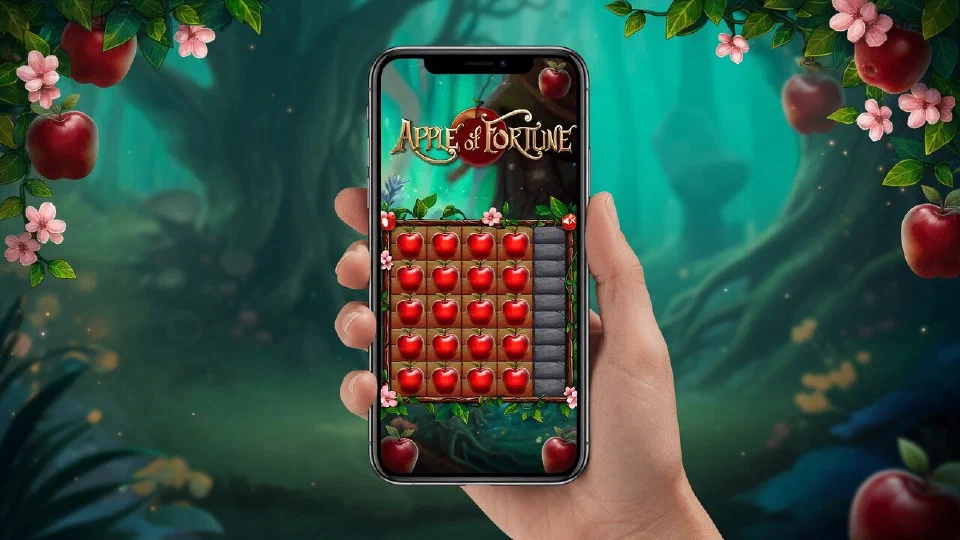
In portrait, the ten rows fill most of the screen with the multipliers along the right edge, and the stake field, the quick buttons and Place a Bet sit underneath. Each apple is large enough to tap without zooming. Turning the phone sideways shows the wider layout with the fairy-tale scenery on both sides of the board.
 Partner casino