Putting the casino on your home screen#
- Open the partner casino in Safari.
- Tap the Share button.
- Choose Add to Home Screen.
- Tap Add. The icon joins your other apps and opens the casino full screen.
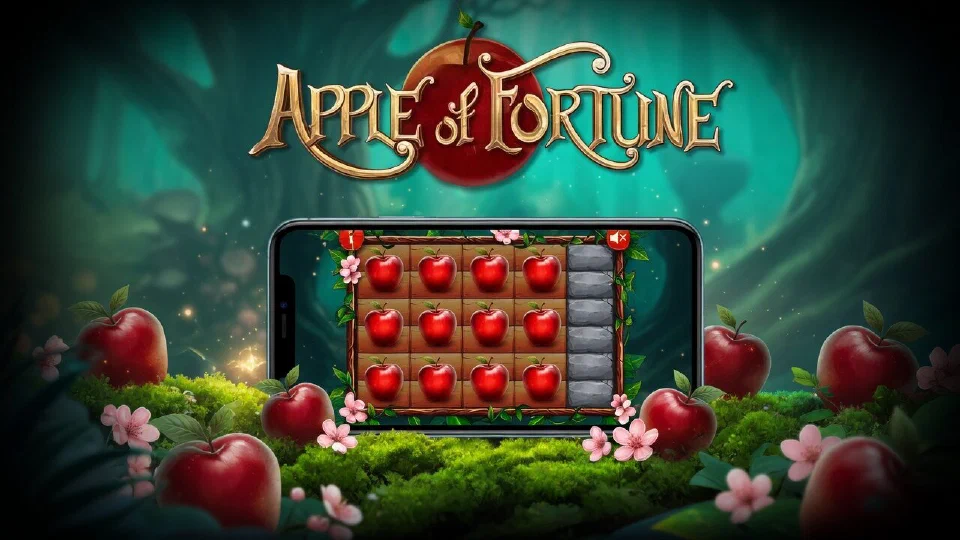
Sign in, search for Apple of Fortune and the board loads in the same window.
Playing straight from Safari#
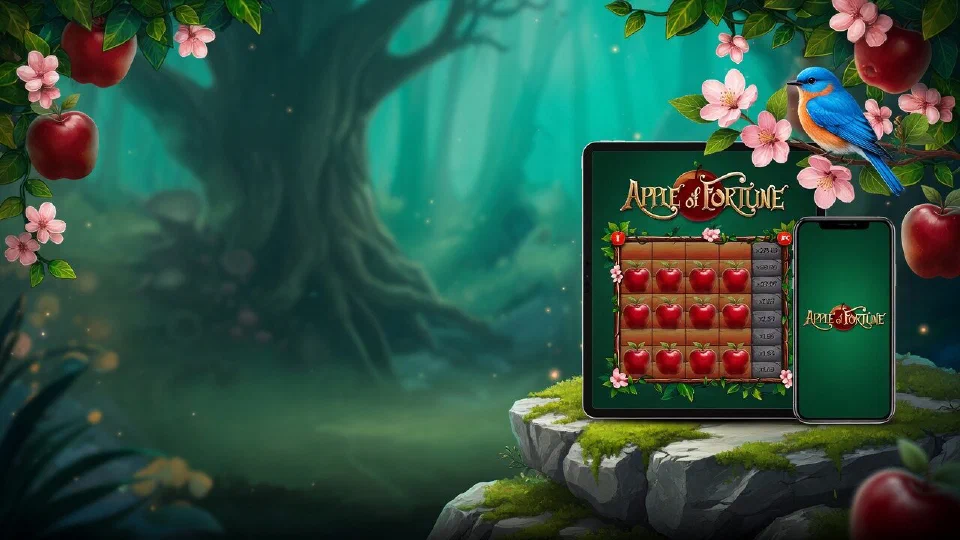
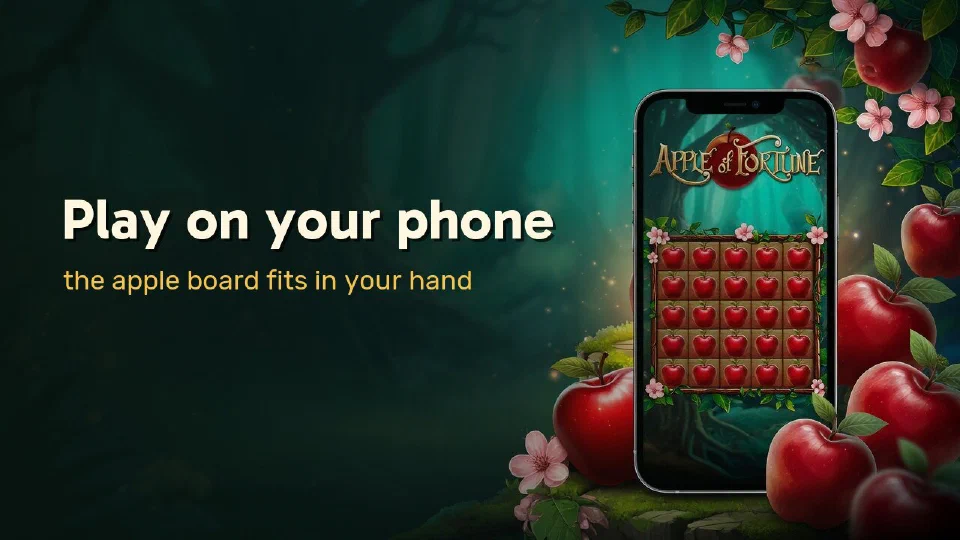
The home-screen icon is optional. Safari alone runs the game and remembers your login between visits. On an iPhone the board fills the screen in portrait; on an iPad the landscape view adds the forest scenery and the two fairy-tale characters around the board.
Touch controls#
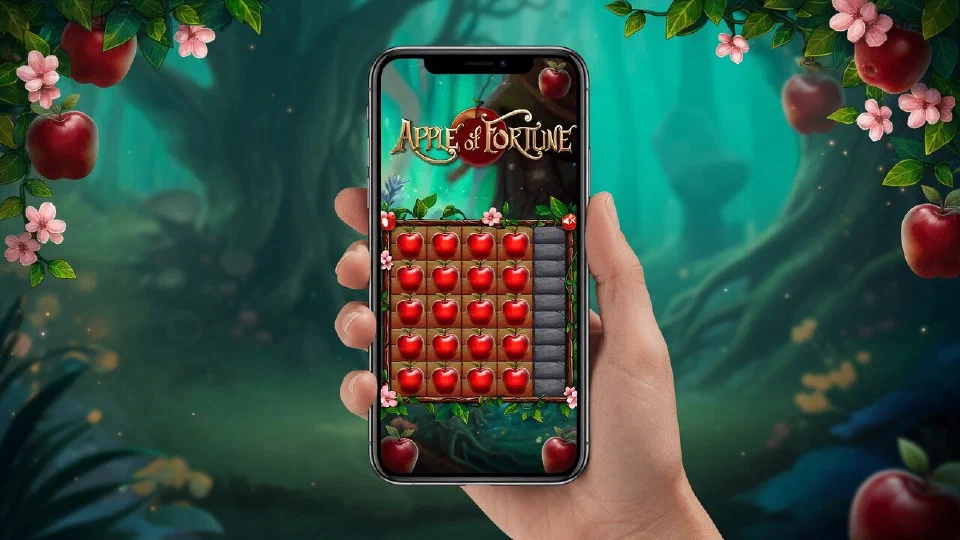
Every action is a single tap: a quick-stake button, Place a Bet, an apple in the lit row and Take Winnings. The speaker icon above the board switches the sound, which is handy on a train or in a quiet room. Stakes from 0.10 to 30 work exactly as on a computer.
 Partner casino